Maintenance tracking
Inspections and squawks, tracked in one place
Log a discrepancy from the ramp, and keep every recurring inspection and AD on a countdown by calendar, by tach hours, or by whichever comes first.
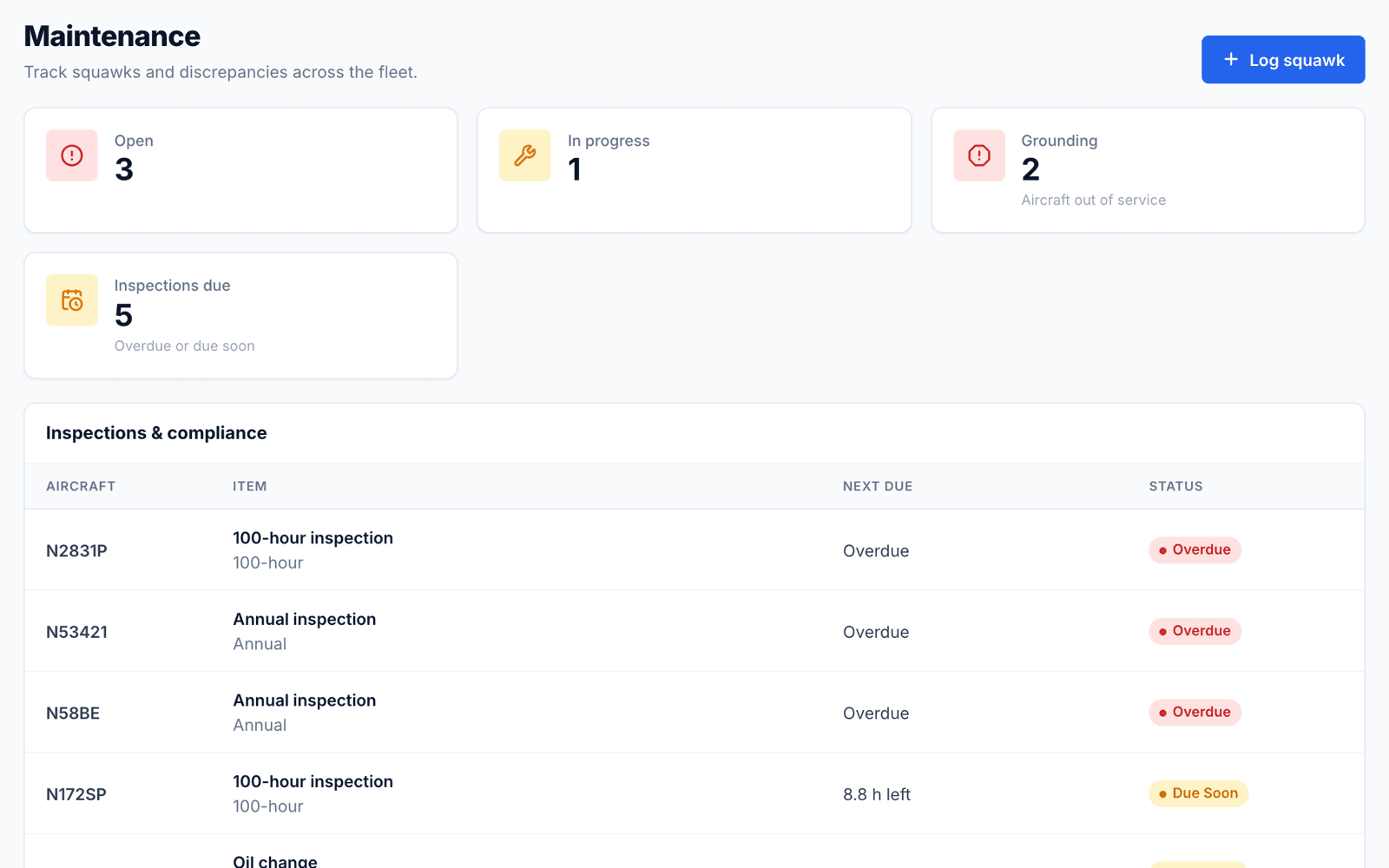
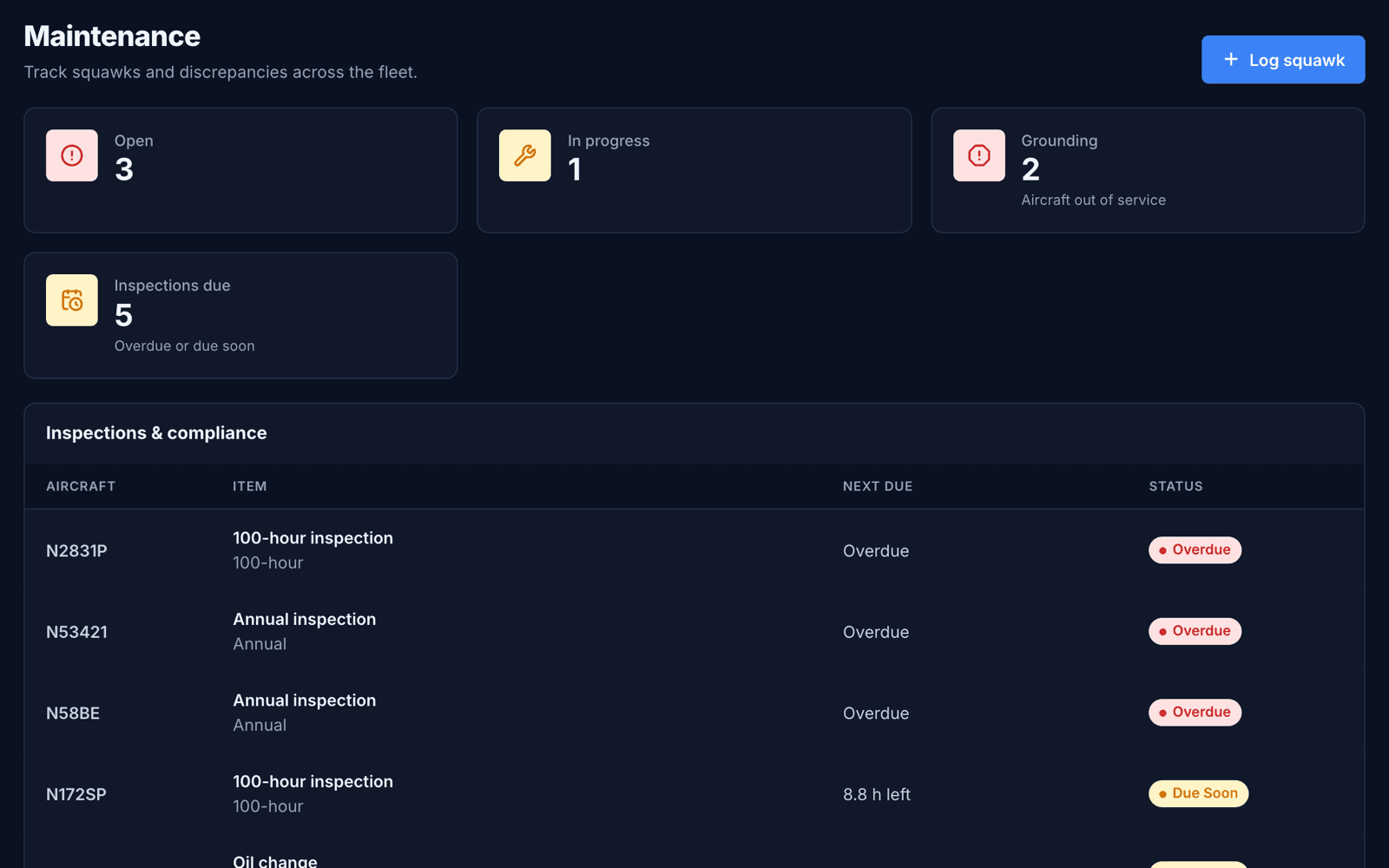
Squawks with real consequences
Anyone in the club can report a squawk against an aircraft, from low severity up to grounding. A grounding squawk marks the aircraft grounded across ClubHangar, and its QR check-out page won't dispatch it until the squawk is resolved.
- Low, medium, high and grounding severity
- Open, in-progress and resolved status
- Fleet-wide squawk list, plus each aircraft's open squawks on its page
Inspection templates that follow the FARs
Pick a type and the interval is filled in for you. Every value can be changed.
- Annual inspection — 12 calendar months
- 100-hour inspection — every 100 hours, for aircraft operated for hire
- Transponder (91.413) and pitot-static / altimeter (91.411) — 24 calendar months
- ELT inspection (91.207) — 12 calendar months
- Oil change — 50 hours or 4 months, whichever comes first
- Airworthiness Directives — recurring or due on a single date
Due dates done the FAA way
Calendar-month items fall due on the last day of the month, as the regulations count them. Hour-based items count down from the tach time at last compliance, and anything due within 10 hours or 30 days is flagged as due soon.
Common questions
- Can an item be tracked by both hours and calendar time?
- Yes. Track by hours, by calendar months, by both (whichever comes first), or by a single due date.
- How do I record that an inspection was done?
- Mark the item complete with the date and tach time. The next due point is calculated from there.
Ready for takeoff?
Set up your organization and get your fleet on the schedule.
Get started →