Fleet management
Every aircraft, every number, always current
Rates, times and status for the whole fleet in one place. The numbers stay right because they update when a flight checks in, not when someone remembers to type them.
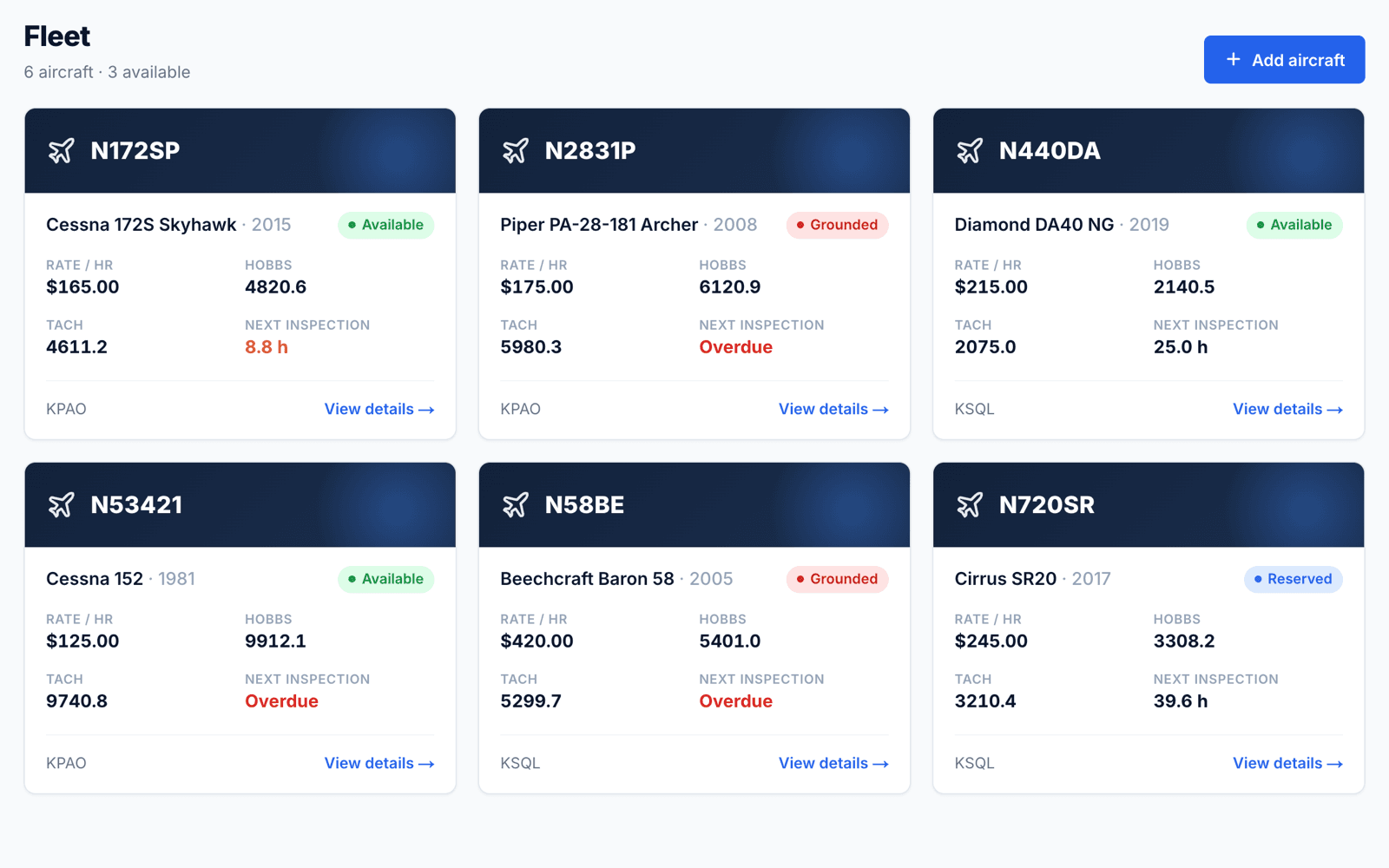
One record per aircraft
Tail number, make, model, year, category and home base, with the hourly rate and the meters you track.
- Single, multi, helicopter, glider and simulator categories
- Track Hobbs, tach, or both — and choose which one you bill from
- Mark aircraft operated for hire so they get 100-hour inspections
Status you don't have to set
Each aircraft shows as available, reserved, in maintenance or grounded, worked out live from its bookings and open squawks.
- A grounding squawk marks the aircraft grounded until it's resolved
- A maintenance booking shows it as down for maintenance
- Countdown to the next annual or 100-hour inspection
QR placards for the clipboard
Print a QR code for one aircraft or the whole fleet. Scanning it opens that aircraft's check-out and check-in page, so pilots never hunt for the right screen.
Common questions
- How many aircraft can I add?
- As many as you fly. ClubHangar is priced per aircraft, with members, instructors and reservations unlimited.
- Can I keep simulators on the schedule?
- Yes. Add them as aircraft with the simulator category and they book like any other aircraft.
Ready for takeoff?
Set up your organization and get your fleet on the schedule.
Get started →